Documentation » Configuration »
Preferences
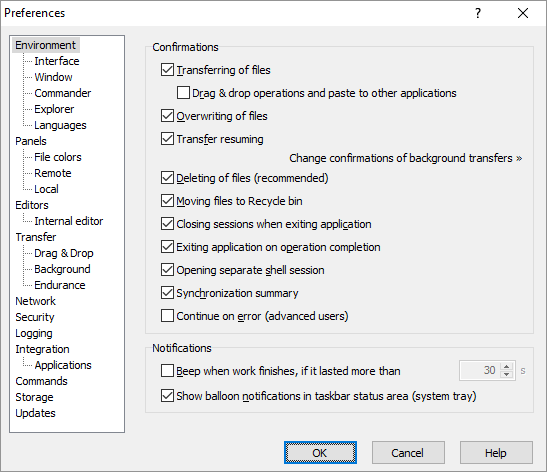
Preferences dialog is used to configure general interface, behavioral and other settings of WinSCP.
To show Preferences dialog go to View > Preferences in Explorer interface or Options > Preferences in Commander interface. You can also open the dialog before opening a session using Tools > Preferences command on Login dialog.
Advertisement
Pages
Pages available on Preferences dialog:
- Environment
- Panels
- Editors
- Transfer
- Network
- Security
- Logging
- Integration
- Commands
- Storage
- Updates/Statistics
Advertisement