I have added this issue to the tracker:
Issue 2380 – Local directories sometimes cannot be deleted
Issue 2380 – Local directories sometimes cannot be deleted
Before posting, please read how to report bug or request support effectively.
Bug reports without an attached log file are usually useless.
There's quite a span between 5.15.9 and 6.3.7. Can you narrow down in what version of WinSCP was the problem introduced?
Temp\ folder is clean, with no scp##### folder leftovers).
scp##### folder could not be deleted after I exit the editor,
scp##### folder was completely empty of anything.
scp##### folder in Temp\,
scp##### folder in Temp\
scp##### folder, were not deleted.
scp##### folder.
scp##### folder, with nothing in it, is not deleted.
You wrote that you double-click the file. A double-click can be configured in WinSCP to do either Edit or Open. Which one are you using?
scp##### folder was not shown,
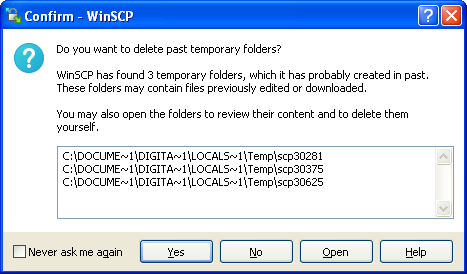
Do you want to delete past temporary folders?
If Edit, what editor do you open the file in? An internal editor of WinSCP or some external editor?
There's quite a span between 5.15.9 and 6.3.7. Can you narrow down in what version of WinSCP was the problem introduced?
Downgrading should be safe. Please try it.
Also, if you remove the folders manually, and retry whole operation, does the same problem happen again?
scp##### folder.
Also the subfolders should not be a problem.
WinSCP deletes the temporary folders recursively.
scp##### folder is created in the Temp folder
scp##### folder
scp##### folder, but fails,
scp##### folder is not empty..
scp##### folder, probably does not include flag to delete sub-folders, if exist (which do exist..).
Also the subfolders should not be a problem. WinSCP deletes the temporary folders recursively.

prikry,
If you downgrade back, does the problem go away?
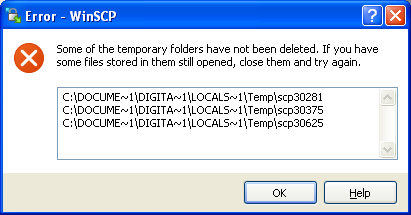
Cannot remove temporary directory 'C:\DOCUME~1\DIGITA~1\LOCALS~1\Temp\scp30375\'.