File upload
I'm using the latest version of WinSCP. This is probably me being a bit picky but here goes.
When I upload a file, which I'm continually updating, I use F5 then hit ENTER twice to overwrite the remote file.
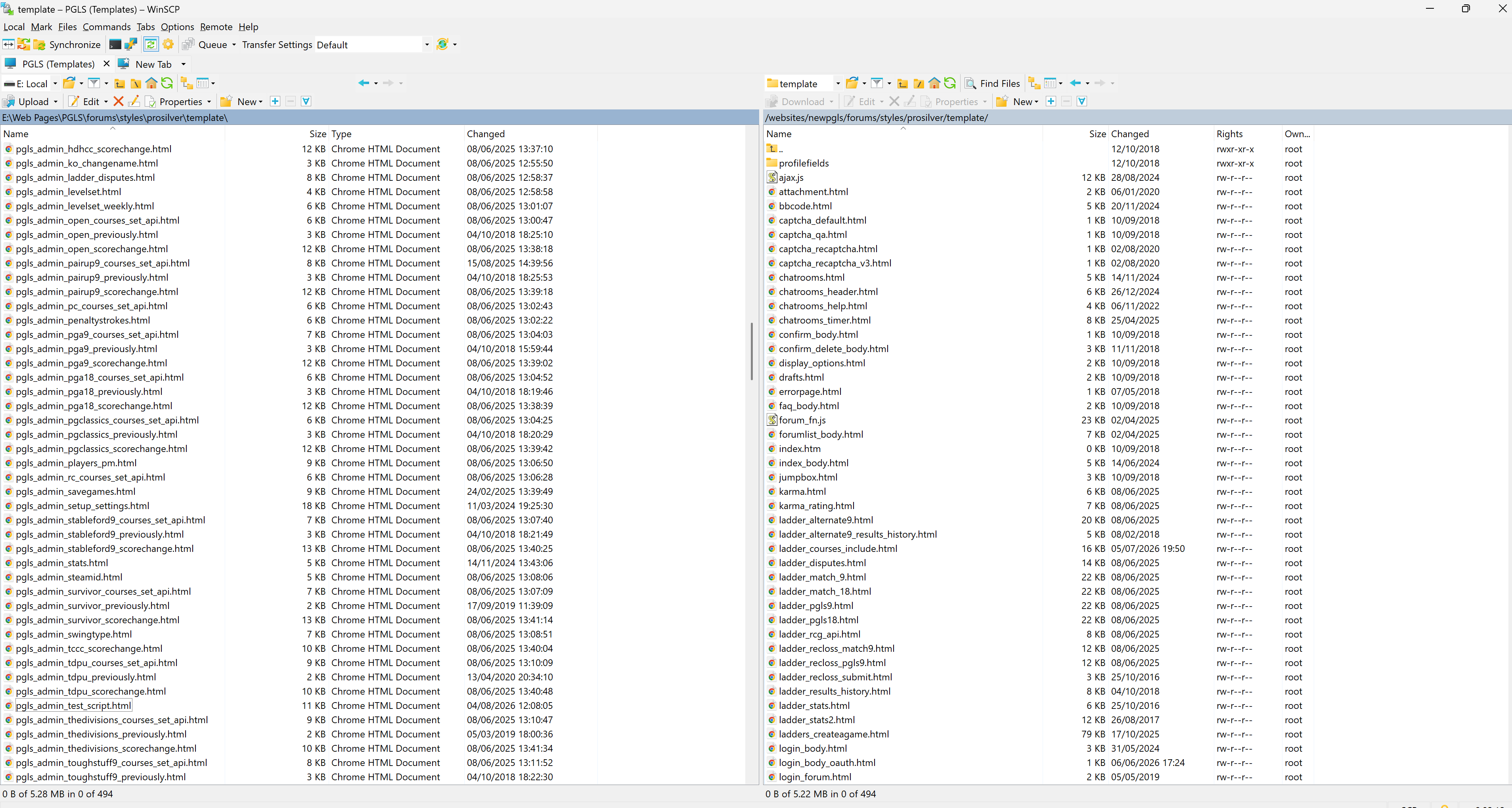
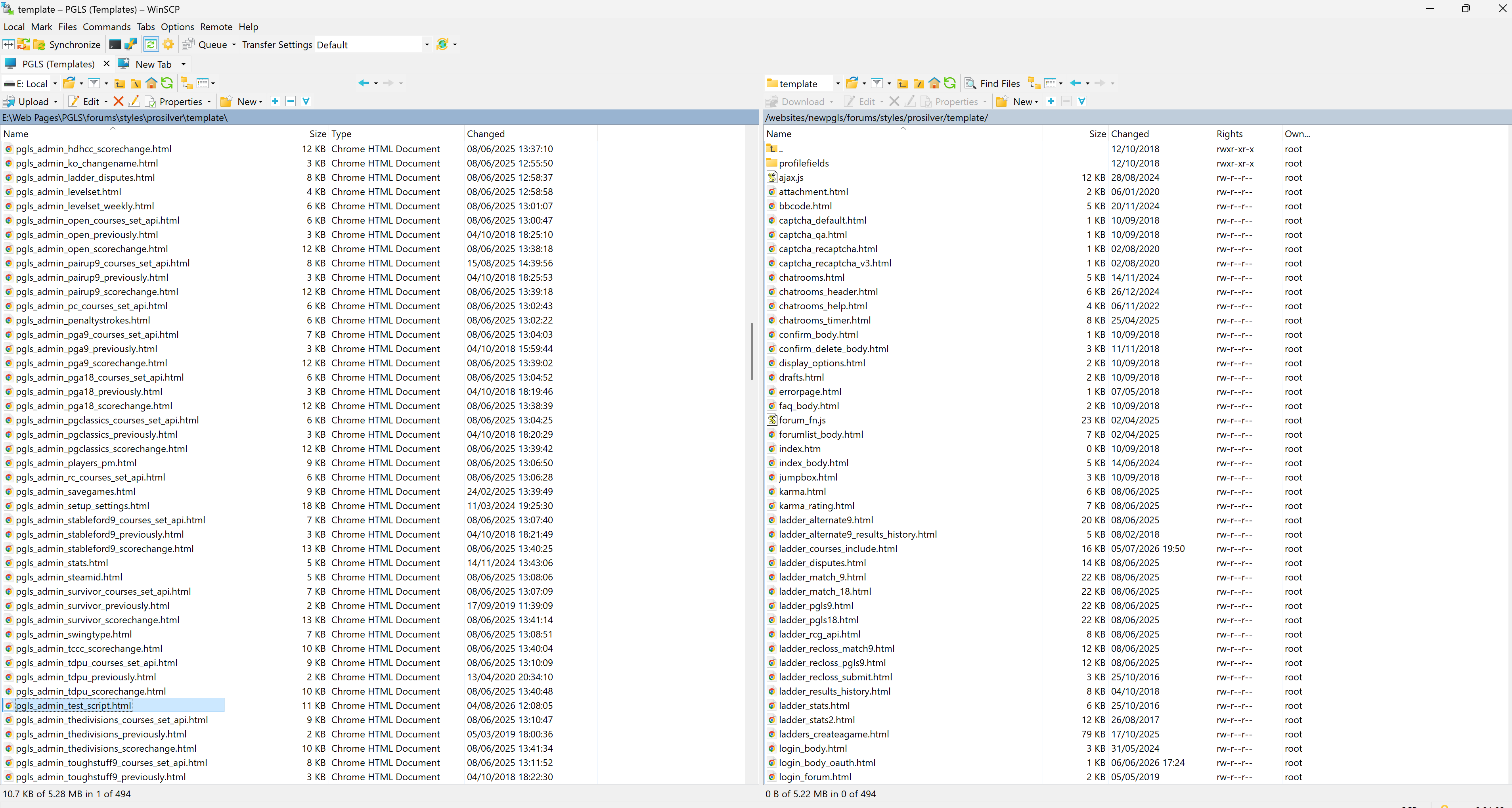
I'm sure the file I was uploading previously was still highlighted after it's been uploaded so I could easily find it to upload again. Now it loses focus and it isn't easily found.
Is there a setting I can change for this?
When I upload a file, which I'm continually updating, I use F5 then hit ENTER twice to overwrite the remote file.
I'm sure the file I was uploading previously was still highlighted after it's been uploaded so I could easily find it to upload again. Now it loses focus and it isn't easily found.
Is there a setting I can change for this?