Documentation » About WinSCP »
Screenshots
Take a look at those pictures to learn more about WinSCP functionality. The screenshots are links to documentation for the window shown.
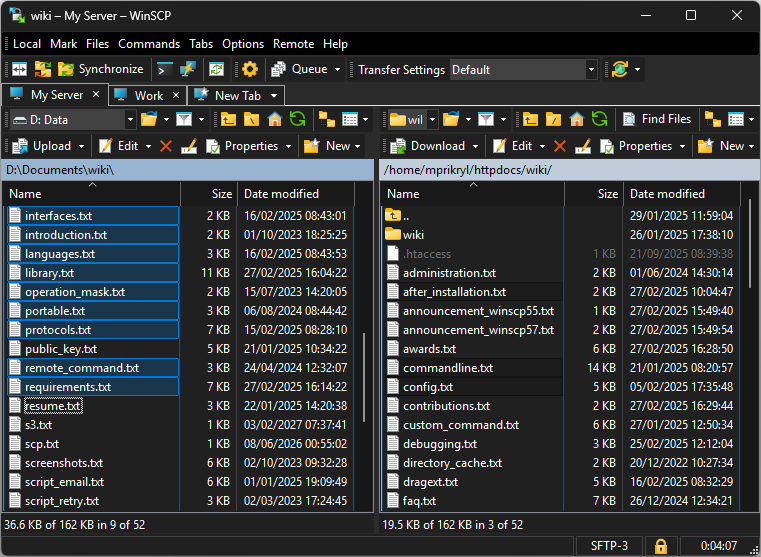
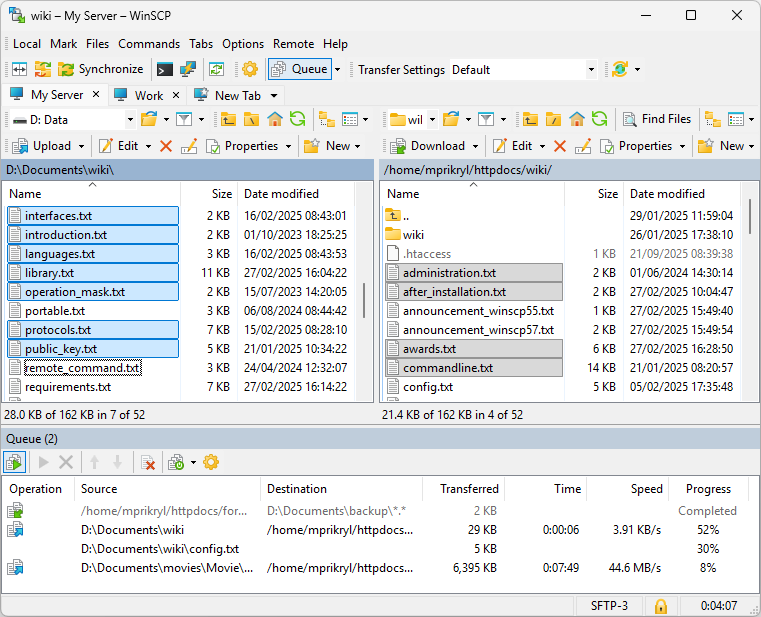
- Application Interface (Commander mode)
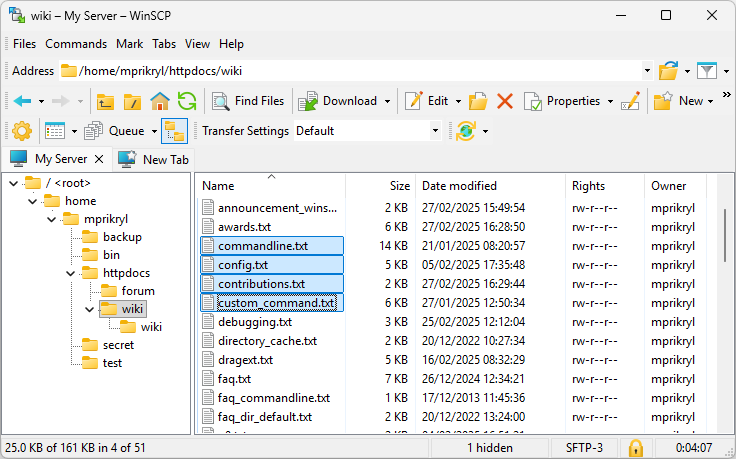
- Application Interface (Explorer mode)
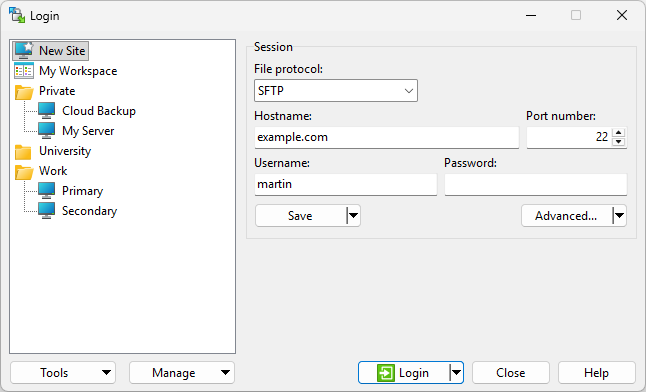
- Login Dialog
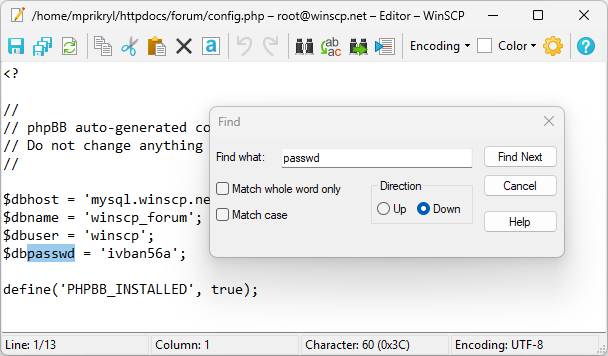
- Internal Text Editor
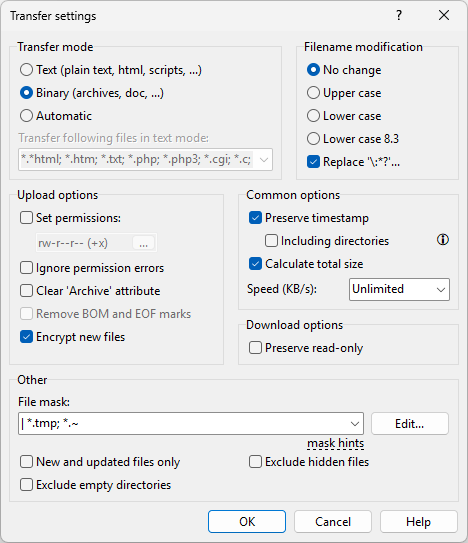
- Window for Setting Transfer Options
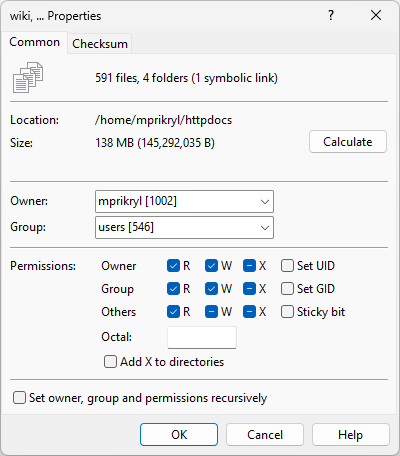
- Changing Properties of Files and Folders
- Application Interface in Dark Theme
Advertisement
Application Interface (Commander mode)
Application Interface (Explorer mode)
Advertisement
Login Dialog
Internal Text Editor
Window for Setting Transfer Options
Advertisement
Changing Properties of Files and Folders
Application Interface in Dark Theme