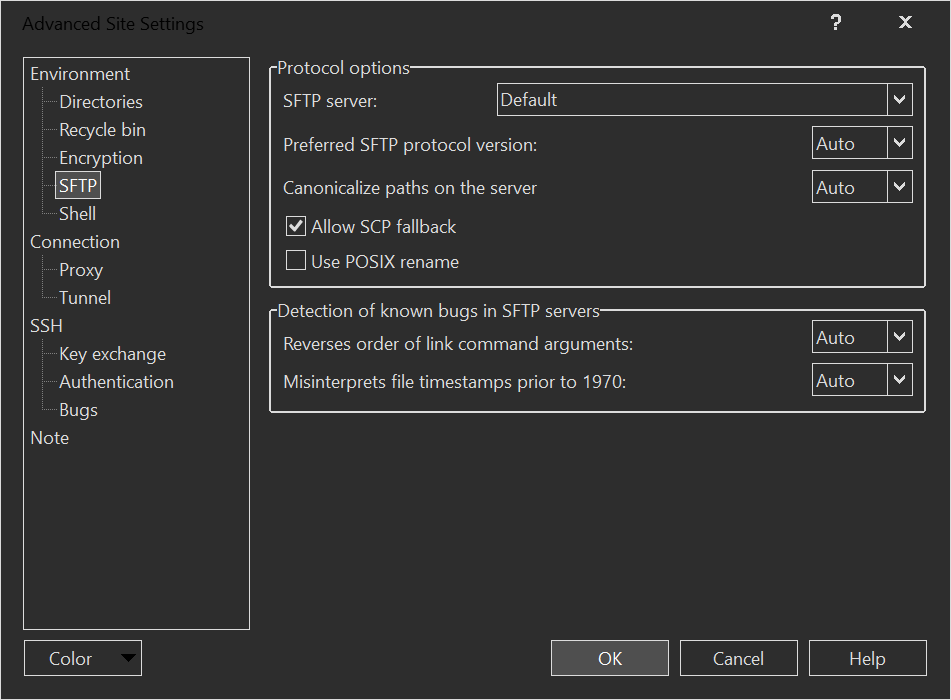
Automatic fallback to SCP when SFTP isn't supported
Hi,
I just discovered I could use WinSCP without installing an SFTP server on my space constrained OpenWRT device.
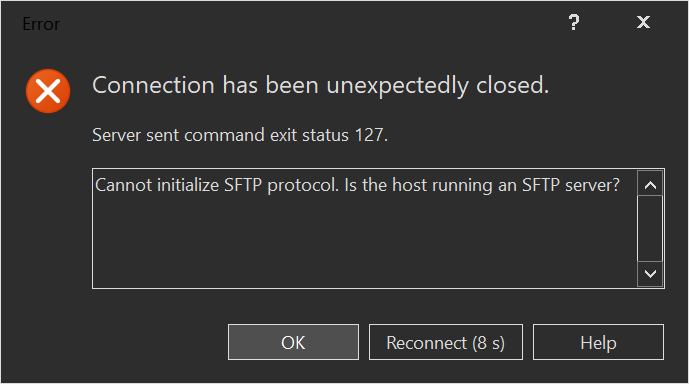
It took me a really long time to figure this out
2026-10-21_12h56s07_WinSCP_Error_689x384.png
I always assumed I needed to install openssh-sftp-server
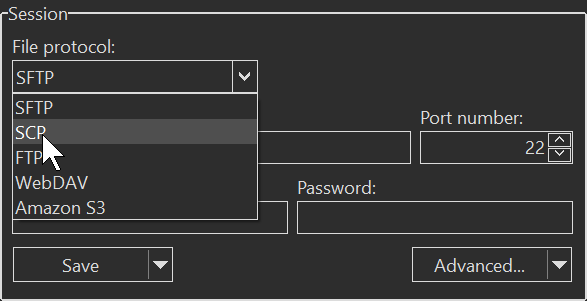
But all I needed to do was change the protocol to SCP.
2026-10-21_12h59s23_WinSCP_Login_587x301.png
I think it would be a nice bit of polish, instead of erroring out, to not error out and work instead by auto trying SCP when SFTP fails. I imagine there's a way to query the server for capability, since that error occurs after the login has completed already.
I just discovered I could use WinSCP without installing an SFTP server on my space constrained OpenWRT device.
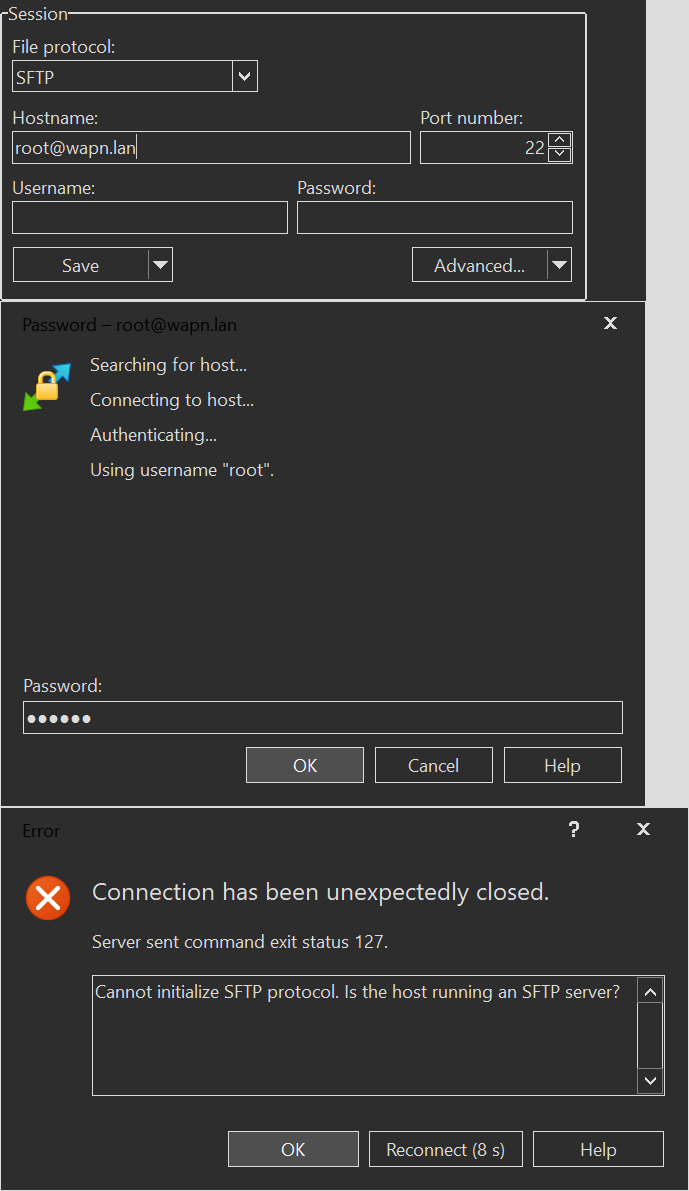
It took me a really long time to figure this out
2026-10-21_12h56s07_WinSCP_Error_689x384.png
I always assumed I needed to install openssh-sftp-server
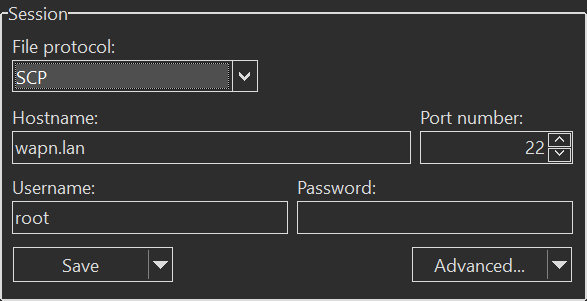
But all I needed to do was change the protocol to SCP.
2026-10-21_12h59s23_WinSCP_Login_587x301.png
I think it would be a nice bit of polish, instead of erroring out, to not error out and work instead by auto trying SCP when SFTP fails. I imagine there's a way to query the server for capability, since that error occurs after the login has completed already.
- 2026-10-21_12h56s07_WinSCP_Error_689x384.png (13.13 KB)